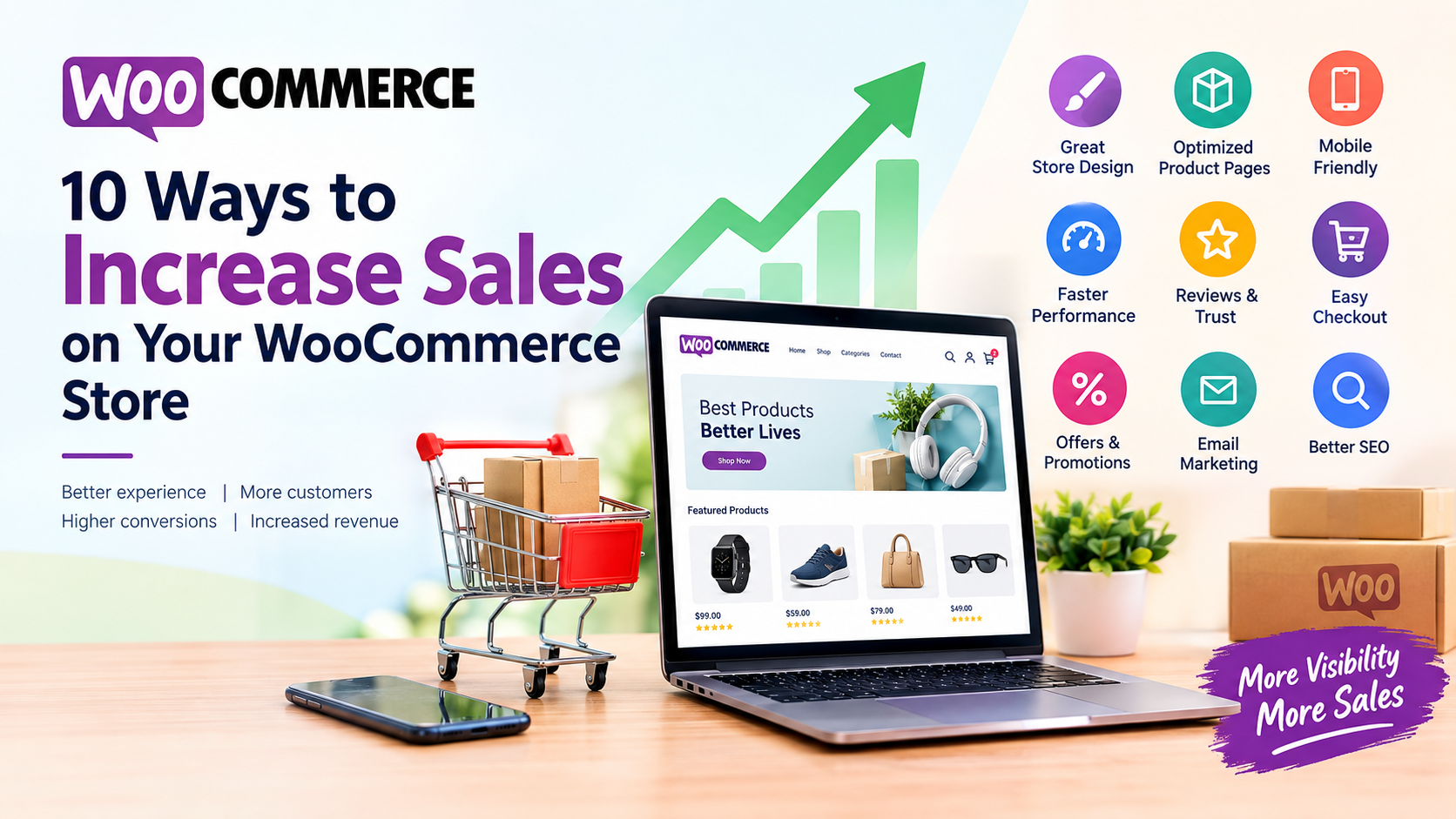
Running a WooCommerce store gives you a powerful platform to sell products online, but simply having a website is not enough to generate consistent sales. With increasing competition, customers have more choices than ever. Your store needs to provide a smooth shopping experience, build trust, attract the right visitors, and make it easy for customers to complete their purchases.
Whether you are selling clothing, electronics, jewellery, beauty products, home goods, or B2B products, there are several practical strategies you can use to improve conversions and increase revenue.
In this guide, we explore 10 effective ways to increase sales on your WooCommerce store.
1. Improve Your WooCommerce Store Design
Your website design creates the first impression of your business. If your online store looks outdated, confusing, or difficult to navigate, visitors may leave before exploring your products.
A professional WooCommerce store should have a clean layout, clear navigation, attractive product presentation, and consistent branding.
Focus on:
- A simple and professional homepage
- Easy-to-use navigation menus
- Clear product categories
- Prominent search functionality
- Mobile-friendly design
- Easy-to-find shopping cart and checkout
- Clear call-to-action buttons
- Fast-loading product pages
Your customers should be able to understand what you sell within a few seconds of arriving on your website.
Avoid filling the homepage with too many banners, pop-ups, animations, and unnecessary information. A clean design helps customers focus on your products.
2. Optimize Product Pages for Conversions
Your product pages are among the most important pages on your WooCommerce website. Customers use these pages to decide whether they want to buy your product.
A strong product page should answer the customer’s most important questions before they reach the checkout.
Include:
- High-quality product images
- Multiple product photos
- Product videos when useful
- Clear product titles
- Detailed but easy-to-read descriptions
- Pricing and discounts
- Product variations
- Availability information
- Delivery information
- Return and refund details
- Customer reviews
- Clear “Add to Cart” buttons
Your product description should focus on benefits as well as features.
For example, instead of simply saying:
“Cotton T-shirt – 100% cotton fabric.”
You could explain:
“Made from soft 100% cotton fabric, this lightweight T-shirt provides comfortable everyday wear and breathability.”
This gives customers a better reason to purchase.
3. Make Your Website Mobile-Friendly
A large number of online shoppers browse and purchase products using smartphones. If your WooCommerce store does not work properly on mobile devices, you could lose potential customers.
Your website should automatically adapt to different screen sizes.
Check important elements such as:
- Product images
- Navigation menus
- Buttons
- Product variations
- Search
- Shopping cart
- Checkout forms
- Payment options
- Contact forms
Buttons should be large enough to tap easily, and customers should not have to zoom in to read product information.
Also test your checkout process on an actual smartphone. A website may appear responsive while still having usability problems during checkout.
4. Speed Up Your WooCommerce Website
Website speed can have a major effect on the shopping experience. Customers generally do not want to wait several seconds for a product page to load.
A slow WooCommerce store can result in:
- Higher bounce rates
- Fewer product views
- Lower conversions
- Abandoned carts
- Poor user experience
To improve performance, consider:
- Compressing product images
- Using modern image formats such as WebP
- Removing unnecessary plugins
- Using caching
- Optimizing CSS and JavaScript
- Using a quality hosting provider
- Using a Content Delivery Network where appropriate
- Optimizing the WooCommerce database
- Keeping WordPress, WooCommerce, themes, and plugins updated
You can use tools such as Google PageSpeed Insights and other performance testing platforms to identify technical issues.
Remember that speed optimization should focus not only on the homepage but also on product, category, cart, and checkout pages.
5. Add Customer Reviews and Product Ratings
Customers often want to know what other buyers think before purchasing a product.
Customer reviews can provide additional information that isn’t always available in your product description.
Encourage genuine customers to leave reviews after purchasing.
You can ask customers to review:
- Product quality
- Size and fit
- Performance
- Packaging
- Delivery experience
- Overall satisfaction
If appropriate, allow customers to upload photographs with their reviews. Real product images from customers can provide useful visual information to potential buyers.
However, avoid publishing fake reviews. Authentic customer feedback is more valuable for building long-term trust.
You can also highlight frequently mentioned benefits from genuine reviews on your product pages.
6. Simplify the Checkout Process
A complicated checkout process can cause customers to abandon their carts.
When a customer has already decided to buy, the checkout process should be as simple as possible.
Avoid asking for unnecessary information.
Depending on your business requirements, your checkout may need:
- Name
- Email address
- Phone number
- Billing address
- Shipping address
- Payment information
You can also provide options such as guest checkout if your business does not require customers to create an account.
Clearly display:
- Product price
- Shipping charges
- Taxes where applicable
- Discounts
- Final order amount
- Available payment methods
- Delivery information
Unexpected costs appearing at the final step can discourage customers from completing their purchase.
A simple, transparent checkout experience can help reduce unnecessary friction.
7. Offer Discounts and Special Promotions
Discounts can encourage customers to purchase, particularly when they are presented strategically.
Instead of offering discounts on everything, consider creating targeted promotions.
Examples include:
Percentage Discounts
For example:
Get 15% off selected products.
First-Order Discounts
Offer a discount to new customers who make their first purchase.
Quantity Discounts
For example:
Buy 2 and get 10% off.
Free Shipping
You could offer free shipping above a specific order value.
Seasonal Promotions
Create campaigns around occasions such as:
- New Year
- Valentine’s Day
- Holi
- Durga Puja
- Diwali
- Christmas
- End-of-season sales
However, discounts should have a clear purpose. Constantly offering large discounts can reduce perceived product value and affect your profit margins.
8. Use Email Marketing to Recover Lost Sales
Not every visitor will purchase during their first visit. Some may browse your products, add items to their cart, and leave.
Email marketing can help bring these customers back.
One particularly useful strategy is abandoned cart recovery.
For example, a customer adds a product to their cart but doesn’t complete the order. You can send a reminder email later.
A simple email might include:
“You left something in your cart.”
You can include the product name, image, price, and a link back to checkout.
You can also use email marketing for:
- New product announcements
- Special offers
- Seasonal promotions
- Product recommendations
- Customer loyalty campaigns
- Back-in-stock notifications
Make your emails useful rather than sending promotional messages too frequently.
9. Improve WooCommerce SEO
Search engine optimization can help your products appear when potential customers search Google for relevant products or services.
A strong WooCommerce SEO strategy should include optimization of:
- Product titles
- Product descriptions
- Category pages
- Meta titles
- Meta descriptions
- Product URLs
- Image alt text
- Internal links
- Structured data
- Website speed
- Mobile usability
For example, instead of using a generic product title such as:
“Blue Shoes”
a more descriptive title might be:
“Men’s Blue Running Shoes for Everyday Training”
The exact wording should match what customers actually search for and accurately describe the product.
You should also create useful category pages and educational content around your products.
For example, if you sell running shoes, your website could publish articles such as:
- How to Choose the Right Running Shoes
- Running Shoes vs Walking Shoes
- How to Maintain Your Running Shoes
- Best Features to Look for in Running Shoes
These pages can attract visitors earlier in the buying journey and direct them toward relevant products.
10. Use Upselling and Cross-Selling
Increasing sales does not always mean finding more customers. You can also increase revenue by encouraging existing customers to purchase additional products.
WooCommerce provides opportunities for upselling and cross-selling.
Upselling
An upsell encourages customers to consider a higher-value alternative.
For example:
Standard Product – ₹999
Premium Product – ₹1,499
If the premium product provides meaningful additional benefits, some customers may choose it.
Cross-Selling
Cross-selling recommends products that complement the customer’s purchase.
For example:
A customer purchasing a laptop might also be interested in:
- Laptop bag
- Wireless mouse
- Keyboard
- USB hub
- Laptop stand
The recommendations should be relevant rather than random.
You can display related products on product pages, cart pages, and other appropriate areas of your WooCommerce store.
Bonus: Track Your WooCommerce Performance
Implementing these strategies is only the beginning. You should monitor your store’s performance regularly to understand what is working.
Important metrics include:
- Website traffic
- Product page views
- Conversion rate
- Add-to-cart rate
- Cart abandonment rate
- Average order value
- Revenue
- Returning customers
- Traffic sources
- Best-selling products
For example, if a product receives thousands of visitors but very few purchases, investigate the product page, price, reviews, shipping costs, and checkout experience.
If customers frequently add products to their carts but don’t complete orders, focus on improving the checkout process and understanding potential causes of abandonment.
Data can help you make better decisions instead of relying only on assumptions.
Increasing sales on a WooCommerce store requires more than simply adding more products. You need to create a complete shopping experience that makes it easy for customers to discover products, understand their benefits, trust your business, and complete their purchases.
Start by improving your WooCommerce website design, product pages, mobile experience, website speed, checkout process, SEO, reviews, promotions, email marketing, and product recommendations.
You don’t necessarily need to implement everything at once. Start with the areas that are creating the biggest problems for your customers and measure the results after making improvements.
With consistent optimization, useful content, a trustworthy shopping experience, and a customer-focused WooCommerce strategy, your online store can attract more qualified visitors and convert a greater percentage of them into customers.