

10 Tips to Generate More Business Calls from Google Maps
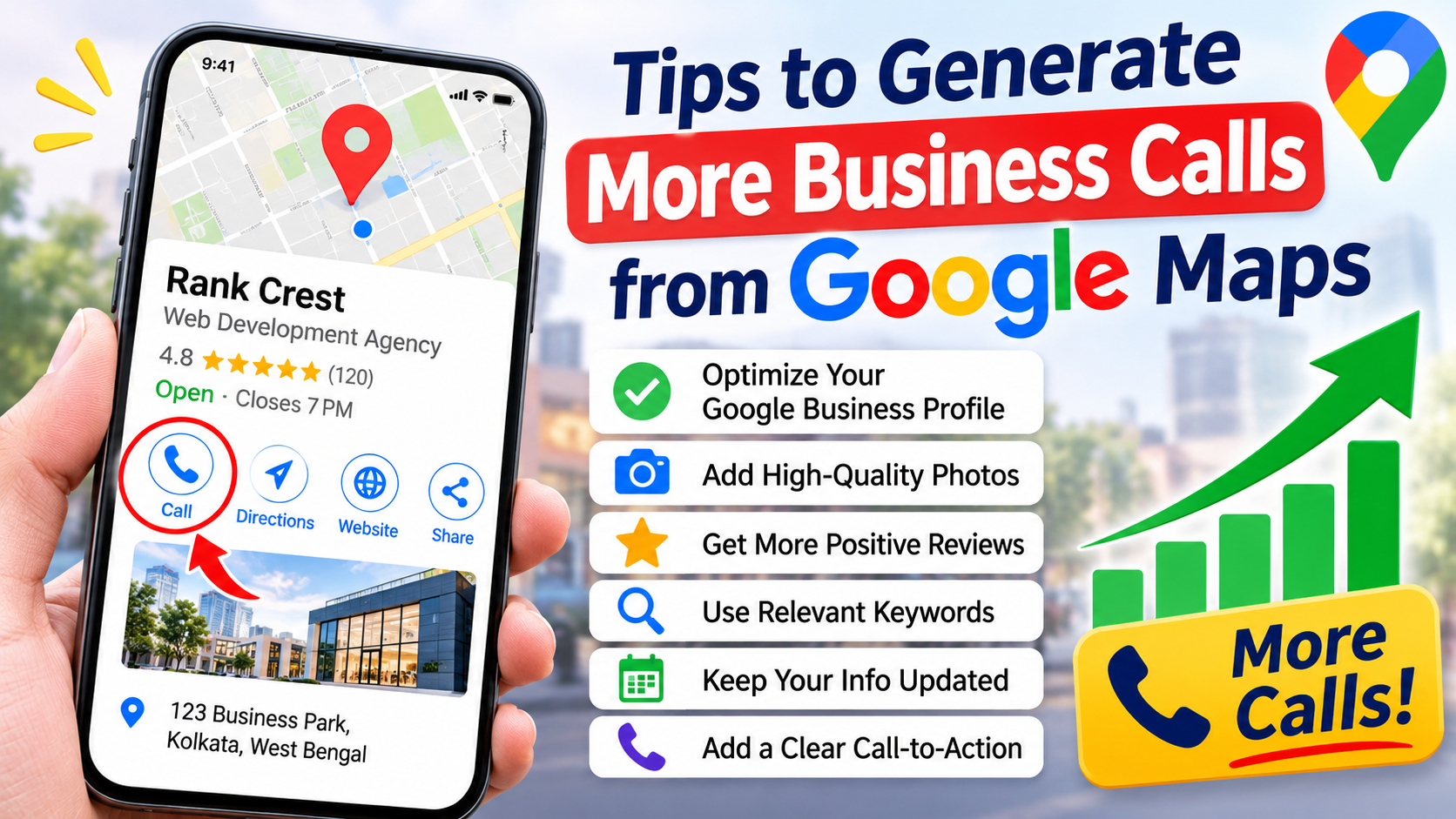
Google Maps has become one of the most important platforms for customers looking for local businesses and services. Whether someone needs a web development company, a restaurant, a printing shop, a doctor, or a home repair service, their first step is often searching on Google Maps.
For local businesses, this creates an excellent opportunity to attract potential customers and generate more phone enquiries without spending a huge amount on advertising.
However, simply creating a Google Business Profile (formerly Google My Business) is not enough. You need to optimize your profile, build customer trust, improve local visibility, and make it easy for people to contact you.
If you want to increase phone calls and attract more local customers, here are 10 practical tips to generate more business calls from Google Maps.
1. Optimize Your Google Business Profile Completely
The first step is to make sure your Google Business Profile is fully optimized. Google uses information from your business profile to understand your services and determine when your business may be relevant to local searches.
Start by providing accurate and complete business information, including:
- Business name
- Correct business address
- Primary and secondary business categories
- Contact phone number
- Website URL
- Business operating hours
- Products and services
- Business description
Choose the most relevant primary category for your business. For example, if you operate a digital marketing company, select a category that accurately represents your main service.
Keep all information updated. Incorrect phone numbers, outdated opening hours, or incomplete business details can cause potential customers to contact competitors instead.
2. Choose the Right Primary and Secondary Categories
Business categories play an important role in local search visibility. They help Google understand what your business offers and which searches are relevant to your services.
For example, a printing business might select a relevant printing-related primary category and add other applicable categories for its additional services.
Similarly, a web development company can choose a category that best represents its core business and add suitable secondary categories where available.
Follow these guidelines:
- Select the most accurate primary category.
- Add only relevant secondary categories.
- Avoid choosing unrelated categories just to appear in more searches.
- Review your categories periodically as your services change.
The right categories help your business reach people who are actively searching for the services you provide.
3. Add High-Quality Photos and Videos Regularly
Visual content helps potential customers understand your business before making a call. A profile with genuine, attractive photos can create a better first impression than one with no images.
Upload photographs that represent your actual business, such as:
- Office or shop exterior
- Interior photographs
- Team members at work
- Products and services
- Completed projects
- Customer service activities
For example, a printing shop can upload photographs of its digital printing machines, visiting cards, banners, brochures, and completed printing projects.
A web development company can showcase website designs, development projects, and its working environment.
You can also upload short videos to demonstrate your products, services, or work process.
Use genuine photographs rather than relying entirely on stock images. Authentic visuals help build customer confidence.
4. Collect More Genuine Google Reviews
Customer reviews are an important factor in building trust and influencing purchasing decisions. When people compare several businesses on Google Maps, they often check ratings and customer feedback before calling.
A business with detailed, positive customer reviews may attract more attention than a competitor with very few reviews.
Here are some ways to collect more reviews:
- Ask satisfied customers to share their experiences.
- Send your Google review link through WhatsApp.
- Add a review QR code to invoices and visiting cards.
- Follow up with customers after completing a project.
- Make the review process simple and convenient.
Always respond professionally to customer reviews, including negative feedback.
Avoid purchasing fake reviews or offering incentives in exchange for positive reviews. Focus on collecting genuine feedback from real customers.
5. Use Google Business Profile Posts Regularly
Google Business Profile allows businesses to publish updates, offers, events, and other relevant content.
Regular posts help keep your profile informative and give potential customers more reasons to explore your services.
You can publish content such as:
- New product announcements
- Special offers and discounts
- Recently completed projects
- Seasonal promotions
- New service launches
- Company updates
For example, a digital marketing agency can publish a post about its SEO services, while a printing business can promote visiting card printing or banner printing services.
Use attractive images, short descriptions, and clear calls to action.
Where available, use suitable action buttons such as Call Now or Learn More to encourage customers to take the next step.
6. Add Detailed Products and Services
Many business owners create a Google Business Profile but forget to add their actual products and services.
This is a missed opportunity to communicate what the business offers.
Add individual services with clear names and useful descriptions. Include relevant information about what customers can expect.
For example, a web development company could list:
- WordPress Website Development
- Ecommerce Website Development
- Website Redesign
- Search Engine Optimization
- Digital Marketing
A printing business could list:
- Visiting Card Printing
- Banner Printing
- Flex Printing
- Brochure Printing
- Digital Printing
Use natural service-related keywords in your descriptions without unnecessary repetition.
Detailed service information helps customers understand your offerings and decide whether they should contact you.
7. Improve Your Local SEO and Website
Your website and Google Business Profile should work together to attract local customers.
A well-optimized website can support your local search visibility and provide additional information to people who discover your business through Google Maps.
For better local SEO:
- Add your business name, address, and phone number to your website.
- Create dedicated pages for important services.
- Include relevant location-based keywords naturally.
- Optimize page titles and meta descriptions.
- Add a Google Maps location where appropriate.
- Make your website mobile-friendly.
- Improve website loading speed.
For example, if your business operates in Kolkata, create useful service pages targeting relevant searches such as “Digital Marketing Agency in Kolkata” or “Printing Shop in Kolkata” where appropriate.
Make sure your website displays a clear phone number and clickable call button, especially on mobile devices.
8. Maintain Accurate Business Information Everywhere
Consistency in business information is essential for local SEO and customer convenience.
Your business name, address, and phone number should be accurate across your website, Google Business Profile, social media pages, and relevant business directories.
Check the following details regularly:
- Business name and spelling
- Contact phone number
- Office or shop address
- Opening and closing hours
- Website URL
- Business location on Google Maps
If your business changes its contact number or location, update the information across all important platforms.
Incorrect information can confuse customers and result in missed phone enquiries.
9. Make It Easy for Customers to Call You
Getting visibility on Google Maps is only part of the process. You also need to make it easy for customers to contact your business.
Many people use Google Maps on their smartphones and prefer calling directly instead of visiting a website or filling out an enquiry form.
To improve the calling experience:
- Add an active business phone number.
- Check that the number is correct.
- Keep your business hours updated.
- Answer incoming calls professionally.
- Return missed calls as soon as possible.
- Use a dedicated business number where practical.
You can also add a WhatsApp contact option through supported profile features or your website, where available.
Remember that a missed call from a potential customer could mean a lost business opportunity.
10. Track Performance and Improve Your Strategy
To generate more calls consistently, you need to understand how customers discover and interact with your business.
Google Business Profile Performance provides useful information about customer interactions, including calls, website clicks, directions, and search visibility.
Monitor these metrics regularly:
- Number of calls received through your profile
- Search terms customers used to discover your business
- Website clicks
- Direction requests
- Profile interactions
Compare performance over different periods to understand whether your optimization efforts are producing results.
For example, if your profile receives many views but very few calls, you may need to improve your photos, reviews, service descriptions, or contact information.
If your profile receives very little visibility, review your categories, services, local SEO, and overall profile quality.
Use this information to identify weaknesses and improve your strategy over time.
Conclusion
Generating more business calls from Google Maps requires more than simply creating a Google Business Profile. You need a complete local SEO strategy that improves visibility, builds customer trust, and encourages people to contact your business.
By optimizing your business information, selecting the right categories, collecting genuine reviews, uploading quality photos, publishing regular updates, and maintaining an SEO-friendly website, you can improve your chances of attracting local customers.
Remember that local SEO is an ongoing process. Regularly monitor your Google Business Profile performance, keep your information updated, and focus on providing an excellent customer experience.
Want to Generate More Calls from Google Maps?
A properly optimized Google Business Profile combined with a strong local SEO strategy can help your business attract more relevant customers and generate valuable enquiries.
If you need professional help with Google Business Profile optimization, local SEO, website development, or digital marketing, Rank Crest can help you strengthen your online p

Bijoy
Author